Troubleshooting Common Issues with the Hyundai Accent’s Infotainment System
The Hyundai Accent's infotainment system is a central feature designed to enhance your driving experience by seamlessly integrating entertainment, navigation, and smartphone connectivity into one user-friendly interface. Whether you're streaming your favorite music, using GPS navigation, or managing hands-free calls, the system aims to provide convenience and safety on the road. However, like all sophisticated technology, the Accent’s infotainment system can occasionally experience issues that disrupt its performance. Understanding the common problems and how to effectively troubleshoot them can save you significant time, reduce frustration, and help you maintain the system’s optimal functionality.
Overview of the Hyundai Accent’s Infotainment System
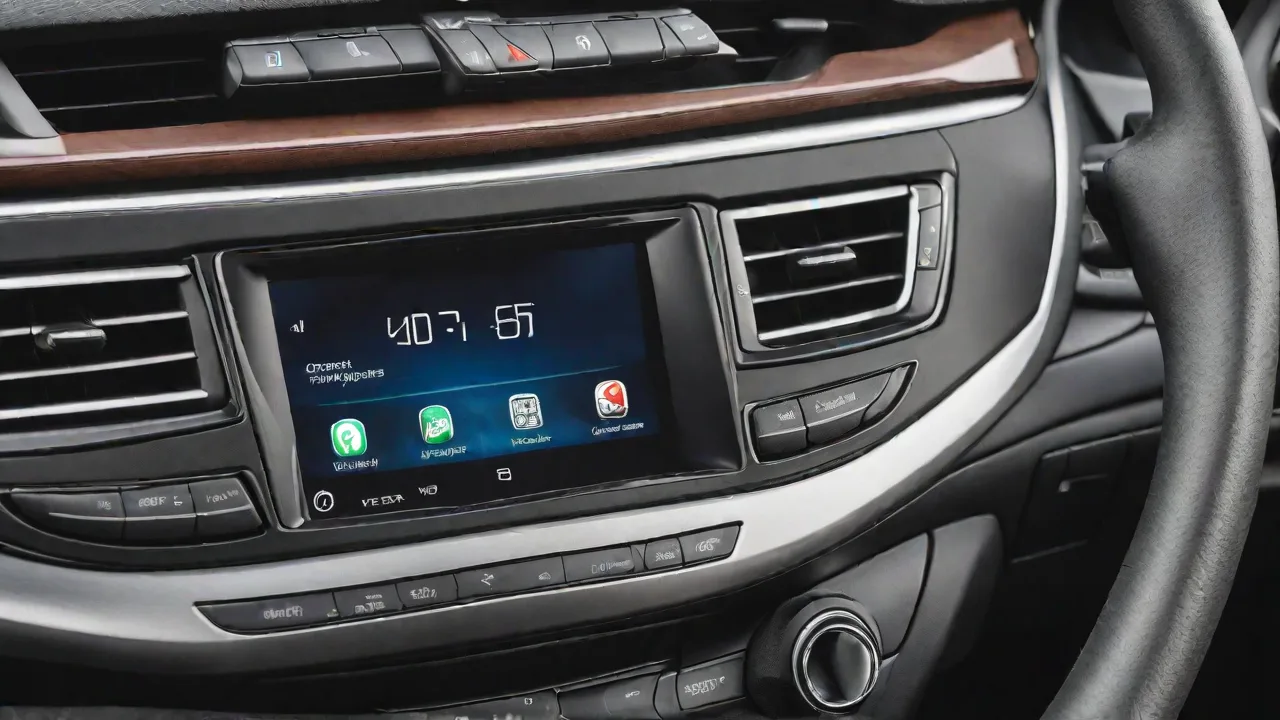
The Hyundai Accent typically features a touchscreen infotainment display, which varies by model year and trim level but generally includes capabilities such as AM/FM radio, Bluetooth connectivity, Apple CarPlay and Android Auto integration, USB ports, and sometimes auxiliary inputs. The system is designed to provide crisp visuals and intuitive controls, allowing drivers to interact with a variety of media and navigation tools without diverting too much attention from the road.
Given the increasing complexity of infotainment systems, it is important to recognize that software updates, hardware maintenance, and correct device compatibility all play key roles in ensuring smooth operation. Before diving into troubleshooting, it’s helpful to familiarize yourself with the system’s layout and features by consulting the vehicle’s owner’s manual or Hyundai’s official resources.
Common Infotainment Issues in the Hyundai Accent
1. Unresponsive or Lagging Touchscreen
One of the most frequent complaints about the Accent’s infotainment system is an unresponsive or slow touchscreen. This can manifest as delayed responses to touch commands, inability to register inputs, or intermittent freezing of the display.
- Potential Causes: Software glitches, outdated firmware, screen calibration errors, or physical damage to the touchscreen.
- Symptoms: Buttons on the display fail to respond, sluggish menu navigation, or the screen may appear blank at times.
2. Bluetooth Connectivity Problems
Bluetooth issues are common in many vehicle infotainment systems, including the Hyundai Accent. Drivers often experience trouble pairing their smartphones, frequent disconnections during calls or audio streaming, or inability to recognize devices.
- Potential Causes: Outdated Bluetooth software on either the car or phone, interference from other wireless devices, corrupted pairing data, or compatibility issues with certain smartphone models.
- Symptoms: “Device not found” errors, calls dropping unexpectedly, or music cutting out while streaming.
3. Audio Playback Errors
Issues with audio playback can affect radio reception, USB media playback, or streaming services connected through the infotainment system. Users may notice static, skipping, or complete failure to play audio from certain sources.
- Potential Causes: Poor radio signal, corrupted media files, incompatible file formats, faulty USB drives or cables, or software bugs.
- Symptoms: No sound from certain inputs, distorted audio, or inability to recognize USB devices.
4. System Freezing or Unexpected Restarts
Some users report that their infotainment system occasionally freezes, becomes unresponsive, or restarts without warning. This can interrupt navigation, media playback, and other functions, affecting the overall driving experience.
- Potential Causes: Software bugs, memory overload, corrupted system files, or hardware malfunctions.
- Symptoms: Screen freezing on a single menu, sudden reboot of the system, or loss of system settings after restart.
5. Navigation System Issues
For Accent models equipped with built-in navigation, problems such as inaccurate positioning, slow route calculation, or inability to update maps can occur.
- Potential Causes: GPS signal interference, outdated map data, or software glitches.
- Symptoms: Incorrect vehicle location displayed, route recalculations taking longer than usual, or missing roads and points of interest.
Step-by-Step Troubleshooting Guide for Hyundai Accent Infotainment Issues
1. Restart the Infotainment System
Many minor glitches can be resolved by simply turning off the vehicle and restarting the system. This allows the software to reset and clear temporary files or memory issues.
- Turn off the engine and open the driver’s door to ensure the system powers down completely.
- Wait for at least 2–3 minutes before restarting the car.
- Check if the touchscreen responsiveness or Bluetooth connectivity improves after reboot.
2. Perform a Soft Reset or Factory Reset of the System
If a simple restart does not resolve the issue, performing a soft reset can help. This process varies depending on the model year and infotainment version.
- Soft Reset: Usually involves pressing and holding the power button or a combination of buttons on the infotainment screen until the system restarts.
- Factory Reset: Restores the system to default settings, erasing all saved data such as paired devices and custom preferences. This option is typically found under “Settings” > “System” > “Reset.”
- Note: Back up any important data before performing a factory reset.
3. Update the Infotainment System Software
Many issues stem from outdated software versions. Hyundai frequently releases updates that improve system stability, add new features, and fix known bugs.
- Check the current software version in the system settings menu.
- Visit Hyundai’s official website or use the Hyundai Blue Link app to see if updates are available for your model.
- Follow the manufacturer’s instructions to download and install updates, which may require a USB drive or Wi-Fi connection.
4. Reset and Re-Pair Bluetooth Connections
Bluetooth problems often arise from corrupted connection data. Resetting the Bluetooth pairing can reestablish a stable link between your phone and the car.
- Delete your Hyundai Accent from your smartphone’s Bluetooth paired devices list.
- Remove your smartphone from the car’s Bluetooth device list through the infotainment menu.
- Restart both devices and attempt to pair them again following the pairing instructions.
- Ensure that your smartphone’s Bluetooth is updated and enabled.
5. Verify USB and Auxiliary Connections
Audio playback problems related to USB devices can often be traced back to formatting or compatibility issues.
- Ensure your USB drive is formatted to FAT32 or exFAT, which are commonly supported by Hyundai’s infotainment system.
- Check that the audio files are in compatible formats such as MP3, WMA, or AAC.
- Use high-quality USB cables and ports that are free from damage or debris.
- Try connecting a different USB device to rule out hardware faults.
6. Address Navigation System Issues
If your Accent is equipped with navigation and you encounter problems, try the following:
- Ensure the GPS antenna is unobstructed and positioned correctly, typically integrated into the windshield or dashboard.
- Update map software regularly to maintain accurate routing and points of interest.
- Reset the navigation system via the settings menu if it becomes unresponsive or slow.
- Use smartphone-based navigation apps as an alternative if the built-in system continues to experience issues.
Additional Tips for Maintaining Your Hyundai Accent’s Infotainment System
Regular Software Updates
Hyundai periodically releases software updates that can improve system functionality and security. Keeping your system up to date minimizes the risk of bugs and compatibility issues with newer devices.
Use Compatible Devices and Accessories
To avoid connectivity problems, always use smartphones, USB drives, and cables that meet Hyundai’s compatibility guidelines. Avoid third-party accessories that may not be fully supported.
Protect the Touchscreen
Clean the touchscreen regularly with a soft, lint-free cloth and avoid using harsh chemicals. Excessive pressure or sharp objects can damage the screen and reduce responsiveness.
Minimize Wireless Interference
Keep other wireless devices away from the infotainment system to reduce Bluetooth and Wi-Fi interference. Turn off unnecessary Bluetooth devices nearby when pairing or streaming.
When to Seek Professional Help
If you have exhausted these troubleshooting steps and your Hyundai Accent’s infotainment system continues to malfunction, it is advisable to visit a Hyundai dealership or an authorized service center. Professional technicians have specialized diagnostic tools that can identify underlying hardware or software faults that are not easily fixable by the owner.
In some cases, issues may be covered under your vehicle’s warranty or Hyundai’s infotainment system warranty, which can reduce repair costs. Additionally, dealerships may provide recall information or software patches for common system issues.
Conclusion
The Hyundai Accent’s infotainment system is a valuable feature that enhances driving enjoyment and connectivity. While occasional glitches can occur, many common problems such as touchscreen unresponsiveness, Bluetooth connectivity errors, and audio playback issues can be effectively addressed through simple troubleshooting techniques like system restarts, software updates, and device resets.
By following the outlined steps and maintaining proper care, you can maximize the reliability and performance of your Accent’s infotainment system. Remember to consult your owner’s manual for model-specific guidance and don’t hesitate to seek professional assistance when needed to ensure a safe and enjoyable driving experience.